Add your way.
Enter a subscription manually, scan a receipt, import a PDF or CSV statement, or choose an optional Gmail scan.
 TsingZhou
 iPhone app · Free local subscription tracker
SubSonar is an iPhone subscription manager that brings recurring bills into one local ledger, tracks renewal dates, and supports optional read-only Gmail receipt scanning.
SubSonar v1.0 is free to use on iPhone with no account required and no in-app purchases.
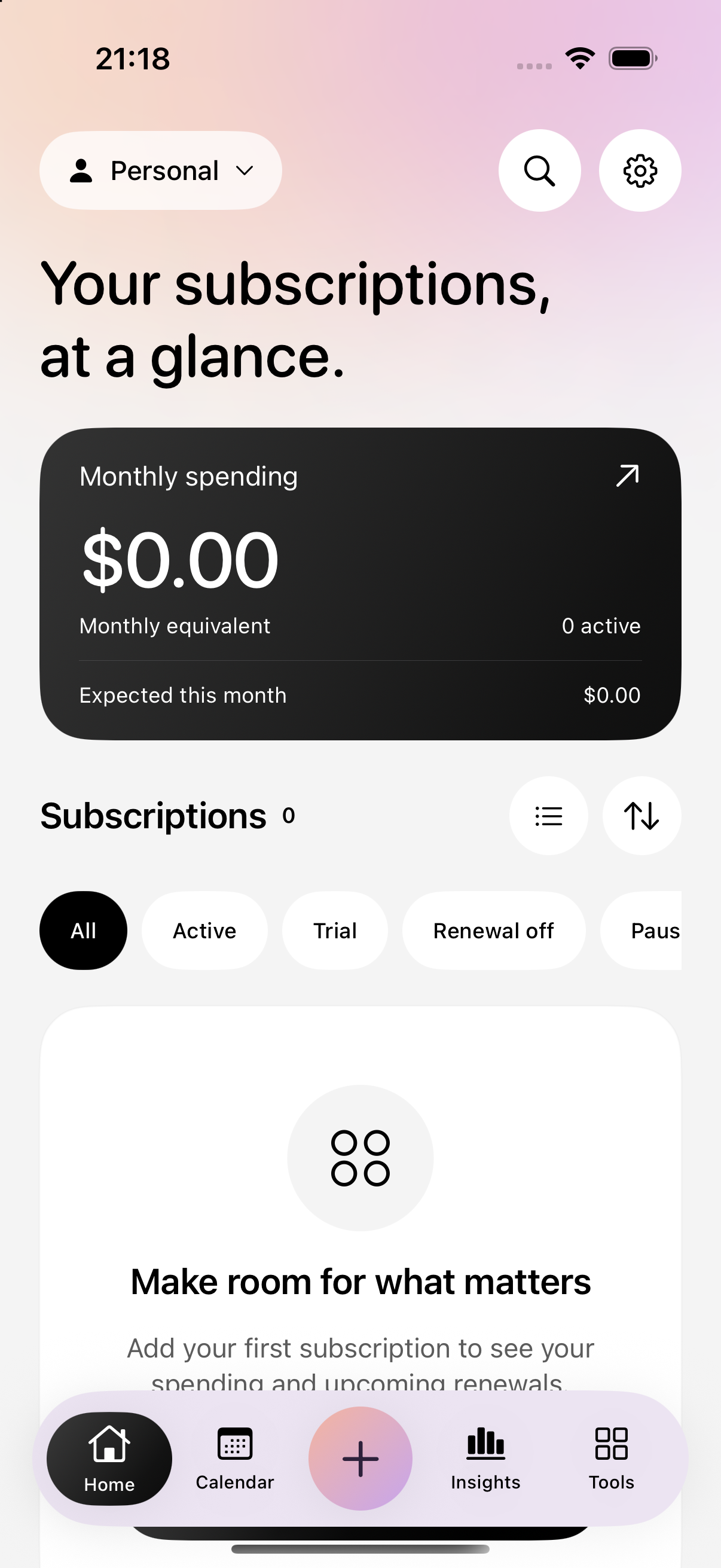
Choose how you add a subscription.
Stay in control of what you keep.
Enter a subscription manually, scan a receipt, import a PDF or CSV statement, or choose an optional Gmail scan.
Check suggested service names, prices, cycles and source evidence before saving. Recognition gives you suggestions; you make the final call.
Keep renewal dates in a calendar, set local reminders and explore your spending across categories and currencies.
Review monthly equivalents, upcoming payments and spending insights. Separate subscriptions into spaces and explore what changing a plan could mean for your budget.
Learn how SubSonar worksService, amount, billing cycle and status together.
See upcoming dates and set reminders on your iPhone.
Export a complete JSON backup or a CSV overview.
Your subscription records are stored on your device. The current app has no SubSonar account, automatic ledger cloud sync or bank connection.
Read the privacy policyReceipt recognition and PDF/CSV parsing run on your device. Saved evidence stays in your ledger and can be included in a backup you export.
Scans start when you choose them. Gmail access is strictly read-only, processed locally on your device, and adheres to the Google API Services User Data Policy including Limited Use requirements. SubSonar contains no generative AI or image-generation features. Manual tracking works without Gmail.
Exported files go to the destination you select. Your records are not automatically uploaded to our servers.
No. You can add subscriptions manually or import files you choose. SubSonar does not connect to your bank. Gmail import is optional.
The optional gmail.readonly permission technically allows reading the authorized mailbox. SubSonar uses it to search billing-related emails in the date range you select when you start a scan. It does not send, modify or delete email. See the privacy policy for the full data flow and controls.
SubSonar helps organize records and provides provider management links and guidance. Cancellation and refunds are handled by the service or store where you purchased the subscription.
Yes. SubSonar v1.0 for iPhone is free with no SubSonar account and no in-app purchases. Write to support@tsingzhou.art for App Store release and support questions.

Questions about SubSonar? We would love to hear from you.